Install and activate MemoraX Code, save a verified engineering lesson, and inspect its retrieval in a fresh Claude Code, Codex, or Cursor session.
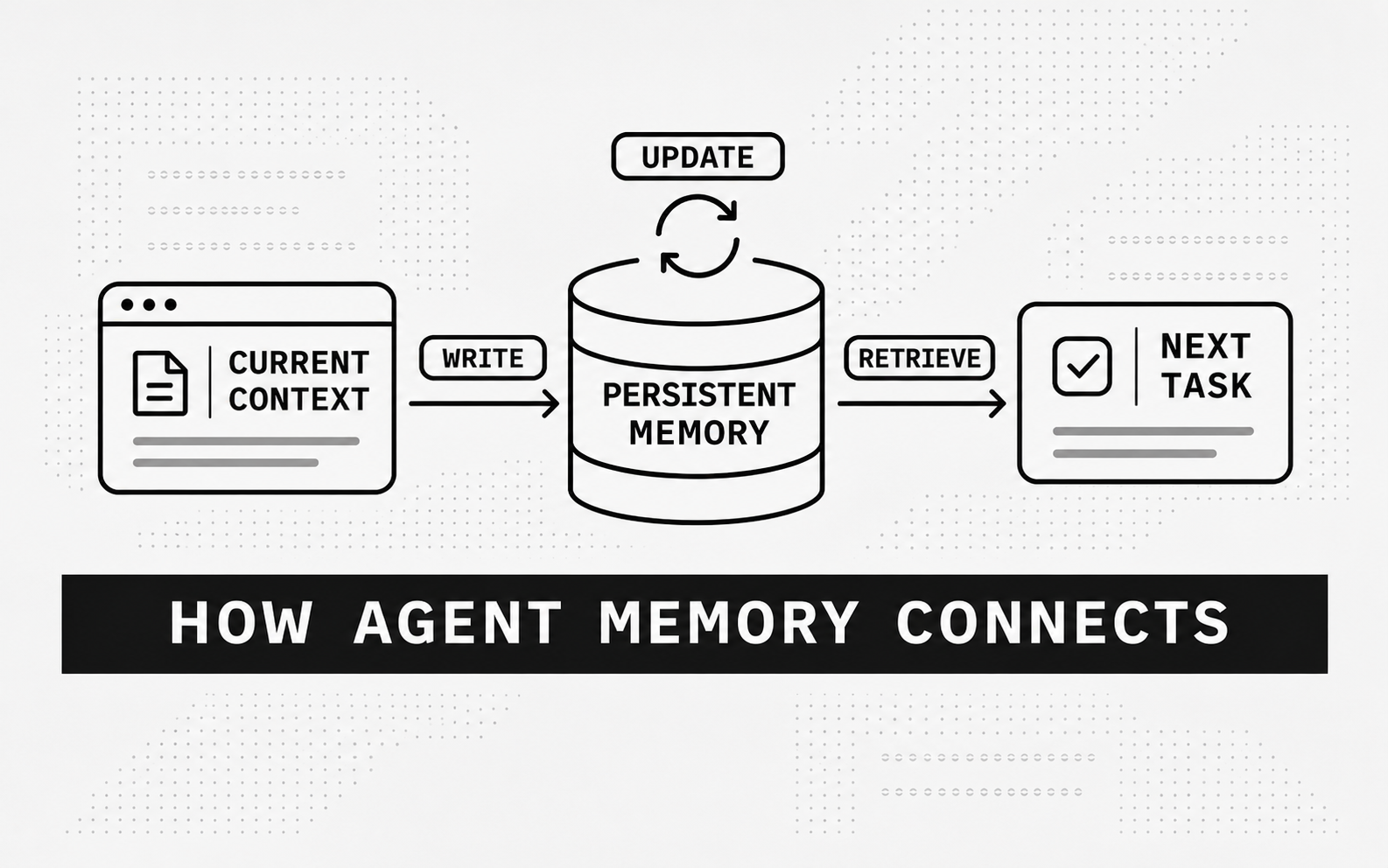
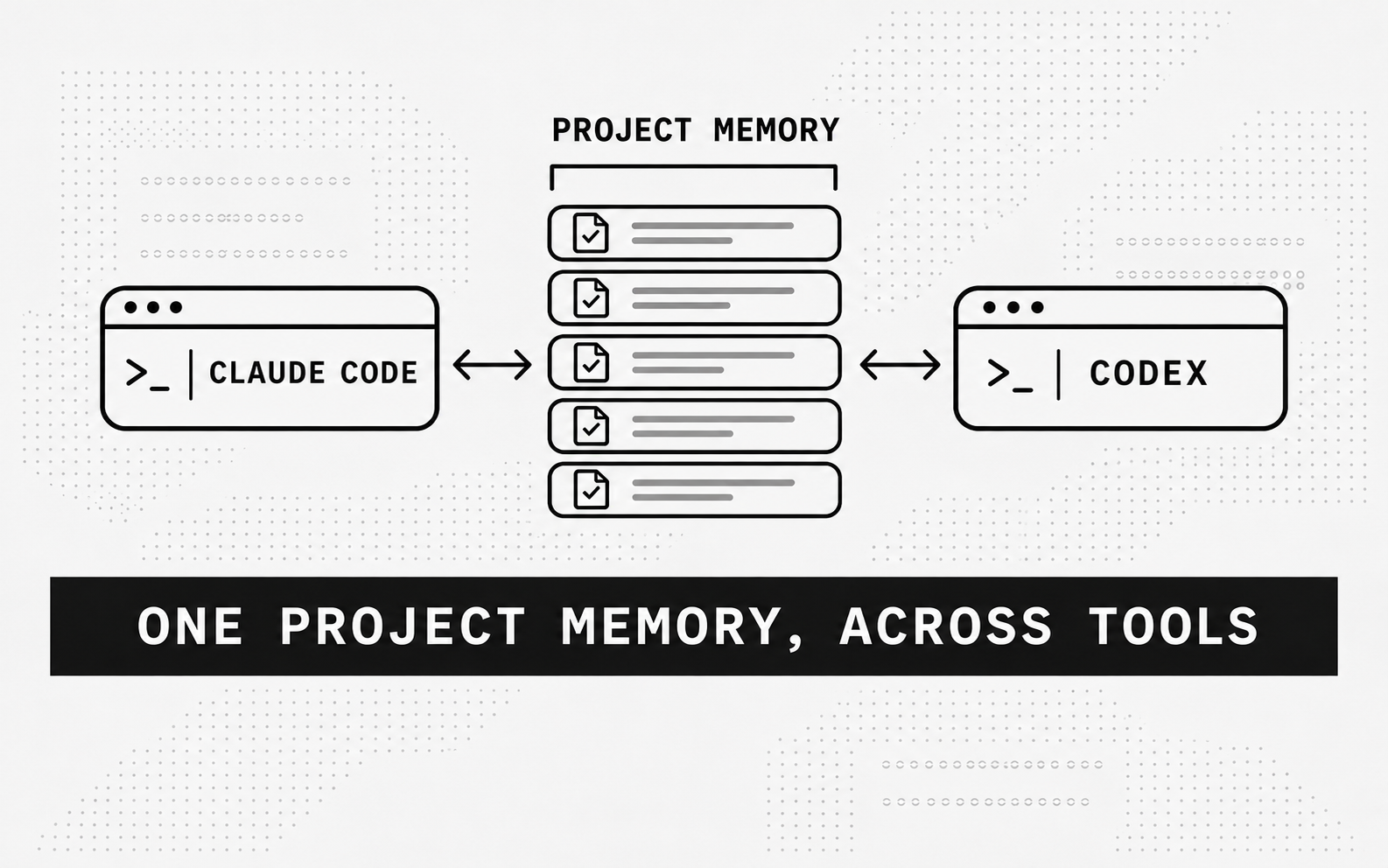
When you change sessions or coding tools in the same project, earlier design decisions and repair experience can still be useful. MemoraX Code provides a shared memory layer for searching that experience and recording reusable information from completed work.
For a first check, save one project lesson and retrieve it in a fresh session. This confirms that the memory is available across sessions.
Install and choose an account path
Prepare Node.js 24, npm, and a working coding client. The command below installs package version 0.1.22. If your client runs in a remote development environment, install MemoraX Code there too.
【npm install -g @memorax/memorax-code@0.1.22】
For a first trial, start 90-day guest mode without registering or supplying an API key in advance:
【memorax-code setup】
This command reuses a complete existing connection. For a registered account, use the following command and enter the requested credentials in your local terminal:
【memorax-code setup --existing-account】
To preserve guest memory when registering, first obtain the Mark ID with memorax-code account --show-mark-id, then use it during registration. The documentation says an already registered account cannot have a Mark ID attached afterward. Linux guest mode also needs secret-tool and an available Secret Service.
Complete client activation
| Client | After installation |
|---|---|
| Codex | Restart or refresh, then confirm MemoraX Code Codex Adapter is enabled in Plugins or /plugins |
| Claude Code | Restart or refresh to load the plugin and Hooks, then start a new session |
| Cursor | Restart or refresh and open a new project conversation to load native Hooks and the shared Skill |
Send a message from the project, then inspect local status:
【memorax-code --version memorax-code status memorax-cli status】
Use memorax-cli.cmd status in Windows PowerShell. These commands check local configuration and integrations. A real search or write is needed to verify the remote connection.
Save a verified engineering lesson
Choose a small completed task, such as a repair whose relevant tests passed. In that project, ask the agent to capture the cause, applicability conditions, and tests actually run. Keep unexecuted plans separate from successful experience.
Use MemoraX Code to save the verified engineering lesson from this task: the cause, conditions under which the fix applies, tests that actually passed, and the relevant files or commit. List unverified judgments separately.
After running the prompt, inspect the write operation or saved record to confirm that it matches the task. An “I remembered that” reply alone does not confirm a successful write.
Search in a new session or another client
Close the original conversation and open a new one in the same repository. You can also switch from Claude Code to Codex. Both clients need the same MemoraX account and the same recognized project scope. Do not paste the saved lesson into the new conversation.
Use MemoraX Code to find earlier engineering lessons for this repository. Identify which apply to the current task, check the current code, and recommend what to do.
Inspect the actual search and returned content, then check whether the recommendation uses the lesson. If the code has changed, the recommendation should reflect that change. Cross-device use also requires consistent account and project scope.
Check that memory works across sessions
Check that the first session saved the lesson, the fresh session retrieved it, and the subsequent advice or action used its conditions correctly. If code was modified, validate it with the current project's tests. To check whether memory improves efficiency, compare runs with and without it using the same model, task, and budget. Record completion and elapsed time.
Routine use and data flow
The official documentation describes background writeback and on-demand search. Naming MemoraX Code in the first exercise makes the write and retrieval easier to inspect. In routine use, check status and activity records to see whether the client Hooks ran.
Cloud search and writeback require network access and send the query or selected memory content. Saved memories can be viewed, edited, or deleted through the console; see the data documentation for local records and data flows.
References https://www.npmjs.com/package/@memorax/memorax-code https://github.com/memorax-ai/memorax-code/blob/935993230853c8bf56f610afda50f9ef57307558/README.md https://github.com/memorax-ai/memorax-code/blob/935993230853c8bf56f610afda50f9ef57307558/README.md https://github.com/memorax-ai/memorax-code/blob/935993230853c8bf56f610afda50f9ef57307558/SECURITY.md